

Checking this game’s age requirement…
007: Tomorrow Never Dies
⋯
About this game
007: Tomorrow Never Dies is a side-scrolling action shooter for GBA, adapted from the 007 movie of the same name. It is a Chinese localized modified ROM popular among Chinese emulator communities, not an official EA GBA retail release. Players take the role of secret agent James Bond, infiltrating classic movie locations such as newspaper offices and warships. The game mixes gunfights, stealth, puzzle-solving and hand-to-hand combat, with Q-branch gadgets to stop the villain’s scheme. It combines platform jumping and shooting, a well-known retro Bond title for GBA emulators.
Contributors
No contributors recorded yet.
💡 Guides
✎ Write a guideNo guides yet
You might also like
Same platform, same genre, or from the same developer
 GBA
Grand Theft Auto:Advance
 GBA
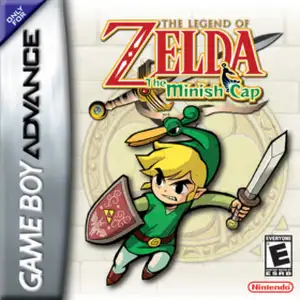
The Legend of Zelda: The Minish Cap
 GBA
San Goku Shi
 GBA
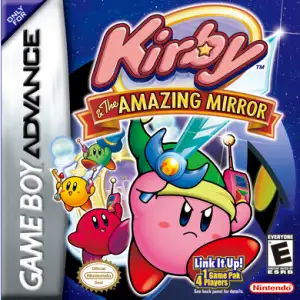
Kirby & The Amazing Mirror
 GBA
Mario Kart: Super Circuit
 GBA
The Legend of Sword and Fairy
 GBA
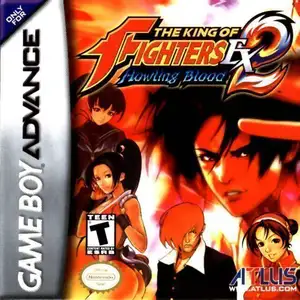
The King of Fighters EX2: Howling Blood
 GBA
Medal of Honor: Infiltrator
FAQ
- How can I play 007: Tomorrow Never Dies?
- You can play 007: Tomorrow Never Dies online for free right in your browser on 8BitGo. No download or emulator installation is required.
- What platform is 007: Tomorrow Never Dies?
- 8BitGo classifies this version as Game Boy Advance. That describes how it runs here and may differ from the game's original release platform. You can play it directly in the browser.
- Can I save my progress in 007: Tomorrow Never Dies?
- Save support depends on how this game runs. Quick saves and cloud saves are available only when the player toolbar shows a save control; otherwise use the game's own save feature.
- Does 007: Tomorrow Never Dies work on mobile?
- It depends on the game. Check the controls on this page: games with on-screen buttons work on touch devices, while keyboard-and-mouse games are best played on desktop.
Controls
These are the default keys. Click the gamepad icon 🎮 in the player toolbar, then “Remap keys” to open the emulator’s own control settings (keyboard and gamepad, saved automatically). Gamepads are detected automatically. On phones you get on-screen buttons.
1P
D-Pad
W S A D
A
K
B
J
L
Q
R
E
Start
Enter
Select
Shift
Quick save
F2
Quick load
F4
2P
D-Pad
Numpad 8 2 4 6
A
Numpad 7
B
Numpad 9
L
Numpad -
R
Numpad +
Start
Numpad 1
Select
Numpad 3
2P uses the numeric keypad with NumLock on; a second gamepad becomes 2P automatically. No numpad? Open 🎮 → Remap keys, switch to Player 2 and pick other keys.