

Checking this game’s age requirement…
Crash 'n the Boys: Street Challenge
⋯
About this game
Contributors
No contributors recorded yet.
💡 Guides
✎ Write a guideNo guides yet
You might also like
Same platform, same genre, or from the same developer
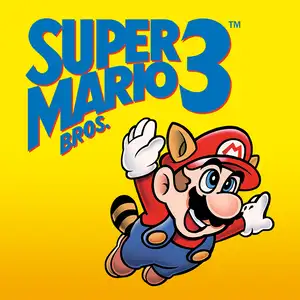 NES
Super Mario Bros.3
NES · Action🔥 146
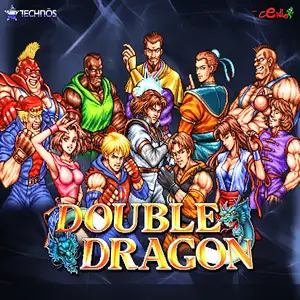 ARCADE
Double Dragon (Neo-Geo)
ARCADE · Fighting🔥 133
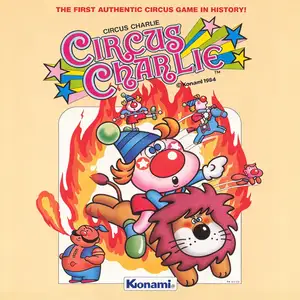 NES
Circus Charlie
NES · Action🔥 78
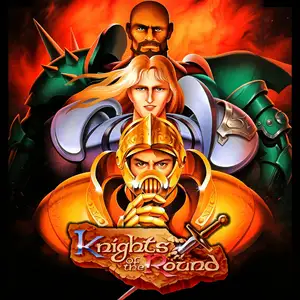 ARCADE
Knights of the Round
ARCADE · Action🔥 75
 FLASH
THE KING OF FIGHTERS:WING
FLASH · Fighting5.0🔥 68
 FLASH
Gold Miner
FLASH · Action🔥 57
 FLASH
cat mario
FLASH · Action🔥 49
 ARCADE
Metal Slug X: Super Vehicle 001
ARCADE · Platformer🔥 46
FAQ
- How can I play Crash 'n the Boys: Street Challenge?
- You can play Crash 'n the Boys: Street Challenge online for free right in your browser on 8BitGo. No download or emulator installation is required.
- What platform is Crash 'n the Boys: Street Challenge?
- 8BitGo classifies this version as NES (Famicom). That describes how it runs here and may differ from the game's original release platform. You can play it directly in the browser.
- Can I save my progress in Crash 'n the Boys: Street Challenge?
- Save support depends on how this game runs. Quick saves and cloud saves are available only when the player toolbar shows a save control; otherwise use the game's own save feature.
- Does Crash 'n the Boys: Street Challenge work on mobile?
- It depends on the game. Check the controls on this page: games with on-screen buttons work on touch devices, while keyboard-and-mouse games are best played on desktop.
Controls
These are the default keys. Click the gamepad icon 🎮 in the player toolbar, then “Remap keys” to open the emulator’s own control settings (keyboard and gamepad, saved automatically). Gamepads are detected automatically. On phones you get on-screen buttons.
1P
D-Pad
W S A D
A
K
B
J
Start
Enter
Select
Shift
Turbo A
I
Turbo B
U
Quick save
F2
Quick load
F4
2P
D-Pad
Numpad 8 2 4 6
A
Numpad 7
B
Numpad 9
Start
Numpad 1
Select
Numpad 3
2P uses the numeric keypad with NumLock on; a second gamepad becomes 2P automatically. No numpad? Open 🎮 → Remap keys, switch to Player 2 and pick other keys.