

Checking this game’s age requirement…
CT Special Forces 2: Back in the Trenches
⋯
About this game
CT Special Forces 2 (titled *Back to Hell* in Europe, *Back in the Trenches* in North America) is the official sequel of CT Special Forces, developed by Light & Shadow Production and published by Hip Games, released for GBA in 2003. It keeps the Metal Slug style run-and-gun gameplay, adds a new roll dodge mechanic, and offers 4 playable operatives across more than 20 missions in 5 regions. It retains varied segments including first-person sniping, skydiving, jeep combat and helicopter hostage rescue. The expanded arsenal includes rocket launchers and combat knives. It supports link-cable 2-player co-op and time attack challenge mode, with password save. It is a well-upgraded classic shooter sequel on GBA.
Contributors
No contributors recorded yet.
💡 Guides
✎ Write a guideNo guides yet
You might also like
Same platform, same genre, or from the same developer
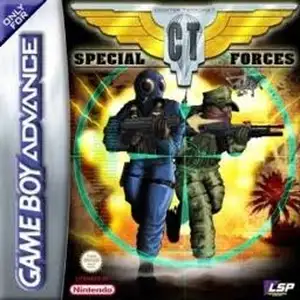 GBA
CT Special Forces
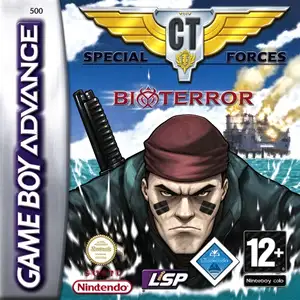 GBA
CT Special Forces 3: Bioterror
 GBA
Grand Theft Auto:Advance
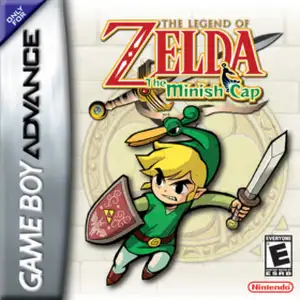 GBA
The Legend of Zelda: The Minish Cap
 GBA
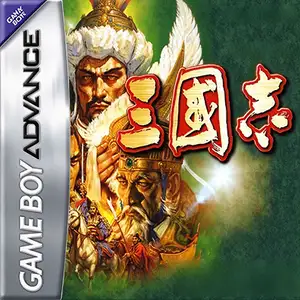
San Goku Shi
 GBA
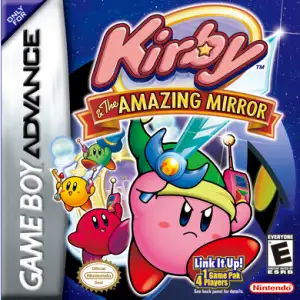
Kirby & The Amazing Mirror
 GBA
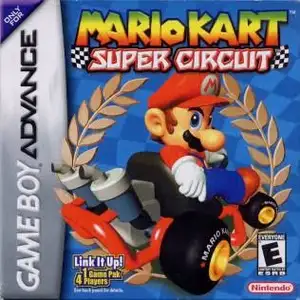
Mario Kart: Super Circuit
 GBA
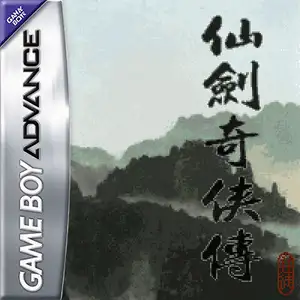
The Legend of Sword and Fairy
FAQ
- How can I play CT Special Forces 2: Back in the Trenches?
- You can play CT Special Forces 2: Back in the Trenches online for free right in your browser on 8BitGo. No download or emulator installation is required.
- What platform is CT Special Forces 2: Back in the Trenches?
- 8BitGo classifies this version as Game Boy Advance. That describes how it runs here and may differ from the game's original release platform. You can play it directly in the browser.
- Can I save my progress in CT Special Forces 2: Back in the Trenches?
- Save support depends on how this game runs. Quick saves and cloud saves are available only when the player toolbar shows a save control; otherwise use the game's own save feature.
- Does CT Special Forces 2: Back in the Trenches work on mobile?
- It depends on the game. Check the controls on this page: games with on-screen buttons work on touch devices, while keyboard-and-mouse games are best played on desktop.
Controls
These are the default keys. Click the gamepad icon 🎮 in the player toolbar, then “Remap keys” to open the emulator’s own control settings (keyboard and gamepad, saved automatically). Gamepads are detected automatically. On phones you get on-screen buttons.
1P
D-Pad
W S A D
A
K
B
J
L
Q
R
E
Start
Enter
Select
Shift
Quick save
F2
Quick load
F4
2P
D-Pad
Numpad 8 2 4 6
A
Numpad 7
B
Numpad 9
L
Numpad -
R
Numpad +
Start
Numpad 1
Select
Numpad 3
2P uses the numeric keypad with NumLock on; a second gamepad becomes 2P automatically. No numpad? Open 🎮 → Remap keys, switch to Player 2 and pick other keys.