Checking this game’s age requirement…
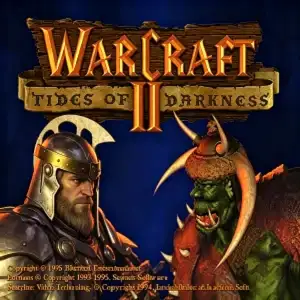
Warcraft II: Tides of Darkness
About this game
Warcraft II: Tides of Darkness is a landmark fantasy real‑time‑strategy (RTS) game developed and published by Blizzard Entertainment, originally released for MS‑DOS in December 1995. As the direct sequel to Warcraft: Orcs & Humans, this classic DOS game depicts the brutal large‑scale war between the Human Alliance and the Orcish Horde across the continents of Lordaeron and Khaz Modan in the world of Azeroth. The DOS version of Warcraft II introduced groundbreaking gameplay features including naval warfare, aerial combat, and the new oil resource, alongside multi‑unit selection and fog‑of‑war mechanics that became industry standards for later RTS titles. It features full single‑player campaigns for both human and orc factions, multiplayer skirmish supporting up to 8 players, and a built‑in map editor. The official expansion Warcraft II: Beyond the Dark Portal continued the storyline. With iconic VGA pixel graphics and memorable soundtrack, Warcraft 2 DOS remains one of the most celebrated retro DOS games and a foundational title in the Warcraft franchise.
- Release year
- 1995
- Developer
- Players
- Single player
- Supported languages
- 简体中文 · English
FAQ
- How can I play Warcraft II: Tides of Darkness?
- You can play Warcraft II: Tides of Darkness online for free right in your browser on 8BitGo. No download or emulator installation is required.
- What platform is Warcraft II: Tides of Darkness?
- 8BitGo classifies this version as DOS PC Games. That describes how it runs here and may differ from the game's original release platform. You can play it directly in the browser.
- Can I save my progress in Warcraft II: Tides of Darkness?
- Save support depends on how this game runs. Quick saves and cloud saves are available only when the player toolbar shows a save control; otherwise use the game's own save feature.
- Does Warcraft II: Tides of Darkness work on mobile?
- It depends on the game. Check the controls on this page: games with on-screen buttons work on touch devices, while keyboard-and-mouse games are best played on desktop.
Controls
These games get the keyboard directly — the controls are whatever the game itself defines, usually in its own help or options screen. Gamepads are detected automatically. On phones you get on-screen buttons.
You might also like
Same platform, same genre, or from the same developer