Checking this game’s age requirement…
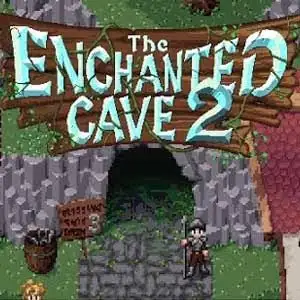
The Enchanted Cave 2
About this game
The Enchanted Cave 2 is a turn-based roguelike dungeon crawler Flash RPG developed by indie creator Dustin Auxier, released in 2015 as the sequel to The Enchanted Cave. Explore a mysterious 100-floor procedurally generated cave filled with monsters and treasures. Turn-based combat triggers automatically when touching enemies. A wide skill tree lets players build warriors, mages, alchemists or hybrid builds. There are over 300 pieces of equipment, spells and crafting materials. Players craft potions and enchant gear, and visit mid-dungeon shops. The core risk-reward mechanic uses Escape Wings to flee the cave. Gold and golden artifacts persist after escape, while ordinary loot is lost. If you die underground, temporary items vanish, but your permanent character level remains. Hidden secret rooms, town NPC trading, monster museum and New Game+ mode are included. It features beautiful pixel art and soundtrack by Grant Kirkhope. The original Flash version can be played via Ruffle emulator, one of the most highly regarded roguelike Flash games.
- Release year
- 2015
- Developer
- Players
- Single player
- Supported languages
- English
FAQ
- How can I play The Enchanted Cave 2?
- You can play The Enchanted Cave 2 online for free right in your browser on 8BitGo. No download or emulator installation is required.
- What platform is The Enchanted Cave 2?
- 8BitGo classifies this version as Flash Web Games. That describes how it runs here and may differ from the game's original release platform. You can play it directly in the browser.
- Can I save my progress in The Enchanted Cave 2?
- Save support depends on how this game runs. Quick saves and cloud saves are available only when the player toolbar shows a save control; otherwise use the game's own save feature.
- Does The Enchanted Cave 2 work on mobile?
- It depends on the game. Check the controls on this page: games with on-screen buttons work on touch devices, while keyboard-and-mouse games are best played on desktop.
Controls
These games get the keyboard directly — the controls are whatever the game itself defines, usually in its own help or options screen. Some games show on-screen buttons on phones.
Quick save
F2
Quick load
F4
You might also like
Same platform, same genre, or from the same developer