

Checking this game’s age requirement…
⋯
About this game
Cars is a cartoon racing game developed by Helixe and published by THQ for GBA, released in 2006, adapted from Disney·Pixar’s animated movie of the same name. The story takes place after the film. Players control Lightning McQueen to take training and compete in various races in Radiator Springs, aiming to win the Piston Cup championship. It uses top-down 2D graphics, featuring four race types including road races, circuit races, time trials and Piston Cup events, with a total of 15 tracks. Tracks have boost pads and slow mud zones. Players can unlock Mater, Sally, Doc Hudson, Chick Hicks and other movie characters, earn Boltz currency to unlock new paint jobs and courses. It features simple controls and family-friendly gameplay, faithfully restoring characters and scenes from Radiator Springs.
Contributors
No contributors recorded yet.
💡 Guides
✎ Write a guideNo guides yet
You might also like
Same platform, same genre, or from the same developer
 GBA
The Incredibles
 GBA
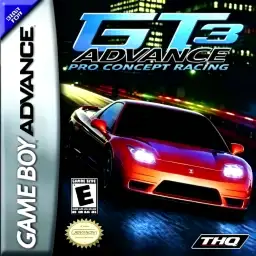
GT Advance 3: Pro Concept Racing
 GBA
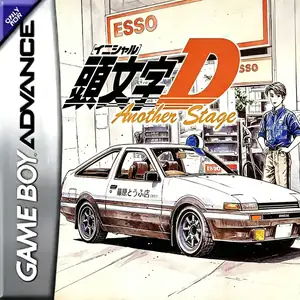
Initial D: Another Stage
 GBA
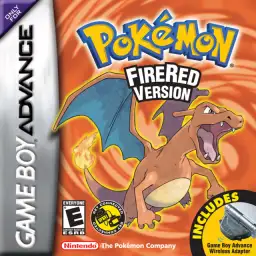
Pokémon FireRed
 GBA
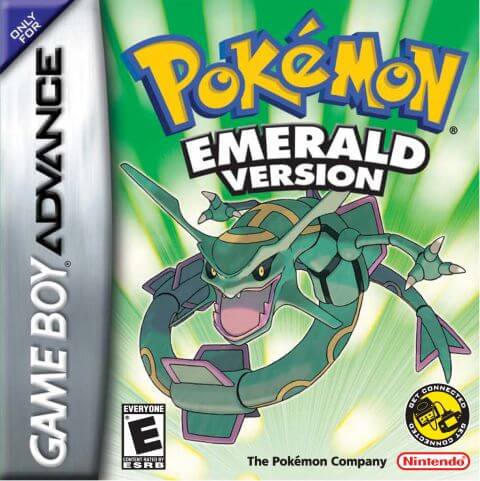
Pokémon Emerald
 GBA
Grand Theft Auto:Advance
 GBA
Pokémon Ruby
 GBA
Rhythm Heaven
FAQ
- How can I play Cars?
- You can play Cars online for free right in your browser on 8BitGo. No download or emulator installation is required.
- What platform is Cars?
- 8BitGo classifies this version as Game Boy Advance. That describes how it runs here and may differ from the game's original release platform. You can play it directly in the browser.
- Can I save my progress in Cars?
- Save support depends on how this game runs. Quick saves and cloud saves are available only when the player toolbar shows a save control; otherwise use the game's own save feature.
- Does Cars work on mobile?
- It depends on the game. Check the controls on this page: games with on-screen buttons work on touch devices, while keyboard-and-mouse games are best played on desktop.
Controls
These are the default keys. Click the gamepad icon 🎮 in the player toolbar, then “Remap keys” to open the emulator’s own control settings (keyboard and gamepad, saved automatically). Gamepads are detected automatically. On phones you get on-screen buttons.
1P
D-Pad
W S A D
A
K
B
J
L
Q
R
E
Start
Enter
Select
Shift
Quick save
F2
Quick load
F4
2P
D-Pad
Numpad 8 2 4 6
A
Numpad 7
B
Numpad 9
L
Numpad -
R
Numpad +
Start
Numpad 1
Select
Numpad 3
2P uses the numeric keypad with NumLock on; a second gamepad becomes 2P automatically. No numpad? Open 🎮 → Remap keys, switch to Player 2 and pick other keys.