

Checking this game’s age requirement…
The 3rd Birthday
⋯
About this game
The 3rd Birthday is a PSP-exclusive third-person shooter action RPG developed by HexaDrive and published by Square Enix, released in Japan on December 22, 2010. It is a follow-up in the Parasite Eve franchise starring Aya Brea. Set in New York City in 2012, monstrous beings called the Twisted travel back from the future to feed on humanity. The CTI task force relies on the Overdive system, which only Aya can use, to dive into the past and alter events. The signature Overdive mechanic lets her transfer her consciousness into allied soldiers on the battlefield to switch bodies when mortally wounded. It also enables Overdive Kill, crossfire coordination and the powerful Liberation burst state. Weapons including pistols, SMGs, shotguns and sniper rifles can be customized, paired with character progression and gear upgrades. Character design by Tetsuya Nomura and soundtrack by Yoko Shimomura. It is visually one of the most advanced PSP titles. It has no native multiplayer. Fan Chinese translation patches are available and it runs on PPSSPP emulator. It marks a major gameplay shift away from the classic Parasite Eve style.
Contributors
No contributors recorded yet.
💡 Guides
✎ Write a guideNo guides yet
You might also like
Same platform, same genre, or from the same developer
 PSP
Silent Hill: Origins
 PSP
Gran Turismo
 PSP
Patapon 2 Don-Chaka
 PSP
Patapon
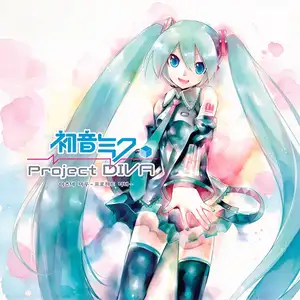 PSP
Hatsune Miku: Project DIVA
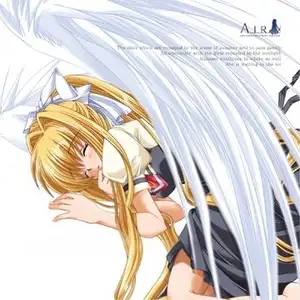 PSP
AIR
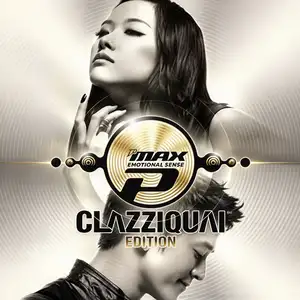 PSP
DJMax Portable Clazziquai Edition
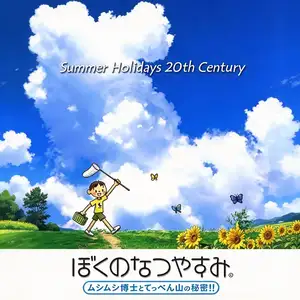 PSP
Boku no Natsuyasumi Portable: Mushi Mushi Hakase to Teppen-yama no Himitsu!!
FAQ
- How can I play The 3rd Birthday?
- You can play The 3rd Birthday online for free right in your browser on 8BitGo. No download or emulator installation is required.
- What platform is The 3rd Birthday?
- 8BitGo classifies this version as Sony PSP. That describes how it runs here and may differ from the game's original release platform. You can play it directly in the browser.
- Can I save my progress in The 3rd Birthday?
- Save support depends on how this game runs. Quick saves and cloud saves are available only when the player toolbar shows a save control; otherwise use the game's own save feature.
- Does The 3rd Birthday work on mobile?
- It depends on the game. Check the controls on this page: games with on-screen buttons work on touch devices, while keyboard-and-mouse games are best played on desktop.
Controls
These are the default keys. Click the gamepad icon 🎮 in the player’s bottom toolbar to rebind them. Gamepads are detected automatically. On phones you get on-screen buttons.
D-Pad
↑ ↓ ← →
×
Z
○
X
□
A
△
S
L
Q
R
W
Analog
I K J L
Start
Space
Select
Enter
Quick save
F2
Quick load
F4