Checking this game’s age requirement…
About this game
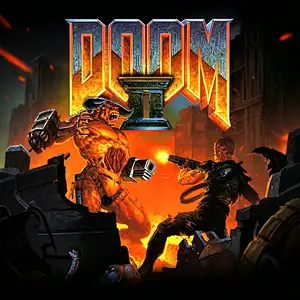
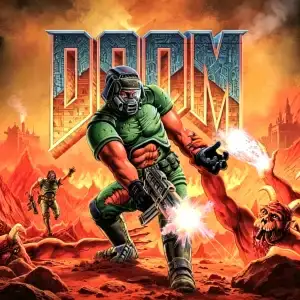
DOOM (DOOM 1) is the genre‑defining landmark first‑person‑shooter developed by id Software, released for MS‑DOS in December 1993. Widely regarded as the foundation of modern FPS gaming, you control the iconic unnamed space marine “Doomguy”. After a catastrophic teleport experiment opens a portal to Hell at UAC research facilities on Mars moons, demonic hordes overrun the base. As the sole survivor, you blast through infested military outposts and hellish realms to stop the demonic invasion. Powered by the revolutionary id Tech 1 (Doom engine), it delivered 2.5D texture‑mapped environments with height variation, dynamic lighting and built‑in automap. It features an iconic arsenal including pistol, shotgun, chainsaw and rocket launcher across three core episodes. Distributed via shareware with the first episode free to public, DOOM pioneered LAN multiplayer deathmatch and co‑op gameplay, and fostered a massive modding community for custom WAD levels. The expanded retail version Ultimate DOOM added an extra campaign episode. With fast‑paced brutal combat, heavy‑metal soundtrack and dark hell‑themed visuals, Doom 1 DOS remains one of the most legendary vintage PC games of the 1990s.
- Release year
- 1993
- Developer
- Players
- Single player
- Supported languages
- English
FAQ
- How can I play Doom?
- You can play Doom online for free right in your browser on 8BitGo. No download or emulator installation is required.
- What platform is Doom?
- 8BitGo classifies this version as DOS PC Games. That describes how it runs here and may differ from the game's original release platform. You can play it directly in the browser.
- Can I save my progress in Doom?
- Save support depends on how this game runs. Quick saves and cloud saves are available only when the player toolbar shows a save control; otherwise use the game's own save feature.
- Does Doom work on mobile?
- It depends on the game. Check the controls on this page: games with on-screen buttons work on touch devices, while keyboard-and-mouse games are best played on desktop.
Controls
These games get the keyboard directly — the controls are whatever the game itself defines, usually in its own help or options screen. Gamepads are detected automatically. On phones you get on-screen buttons.
You might also like
Same platform, same genre, or from the same developer