
このゲームの年齢制限を確認しています…
ゲーム紹介
Contra (released as Gryzor for European territories) is a groundbreaking run‑and‑gun arcade shooter developed and published by Konami in 1987 for JAMMA arcade hardware, serving as the original debut title of the Contra franchise. Set in 2633 A.D., the story takes place on the Galuga Archipelago near New Zealand, occupied by the hostile alien‑backed Red Falcon terrorist force bent on conquering Earth. Players take control of Contra commando soldiers Bill Rizer and Lance Bean, fighting through jungles, underground bases and waterfall fortresses to stop the alien invasion. It establishes the series’ iconic one‑hit‑death rule: any hit from projectiles or enemies kills the character instantly and strips away collected power‑up weapons. The arcade original only grants three starting lives, delivering unforgiving difficulty. It features 7 missions with diverse camera perspectives including horizontal scrolling, pseudo‑3D maze corridors and vertical waterfall climbing stages. Players can pick up iconic weapons such as spread gun, laser, fireball and machine gun. Eight‑way aiming, prone dodging and somersault‑jump mechanics set the gold standard for run‑and‑gun gameplay. The arcade build has distinct level layouts compared to the well‑known NES port, containing exclusive stages and bosses. It was later ported to NES and multiple home computer platforms, spawning the famous Konami Code cheat. Original arcade ROM can be played with MAME emulators, and it remains one of the most legendary co‑op arcade shooters of the 1980s.
- 発売年
- 1987
- 開発会社
- プレイ人数
- 2 人
- 対応言語
- 简体中文 · English · 日本語 · Español
よくある質問
- Contra はどうやって遊べますか?
- 8BitGo ならブラウザでそのまま無料オンラインプレイでき、ダウンロードやエミュレーターのインストールは不要です。
- Contra はどのプラットフォームのゲームですか?
- 8BitGo ではこのバージョンを ファミコン として分類しています。これは当サイトでの実行方式を示すもので、元の発売プラットフォームとは異なる場合があります。ブラウザですぐ遊べます。
- Contra の進行状況は保存できますか?
- セーブ対応はゲームの実行方式によって異なります。プレイヤーのツールバーにセーブ操作が表示される場合のみ、クイックセーブやクラウドセーブを利用できます。それ以外はゲーム内の保存機能を使ってください。
- Contra はスマホでも遊べますか?
- ゲームによって異なります。このページの操作説明を確認してください。画面内ボタンがあるゲームはタッチ操作に対応し、キーボードとマウスが必要なゲームは PC 向けです。
操作方法
以下はデフォルトのキー配置です。 プレイヤー下部のゲームパッドアイコン 🎮 →「キー設定」で、エミュレーター本体のボタン設定を開けます(キーボードとゲームパッドの両方、自動保存)。 ゲームパッドは自動で認識されます。 スマートフォンでは画面上にボタンが表示されます。
十字キー
W S A D
A
K
B
J
Start
Enter
Select
Shift
クイックセーブ
F2
クイックロード
F4
こちらもおすすめ
同じゲーム機・同じジャンル・同じ開発会社の作品
 NES
NESTeenage Mutant Ninja Turtles III: The Manhattan Project
 NES
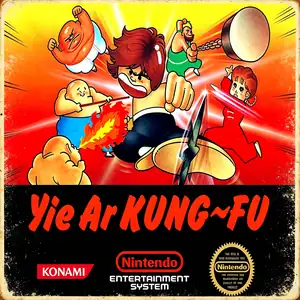
NESYie Ar Kung-Fu
 NES
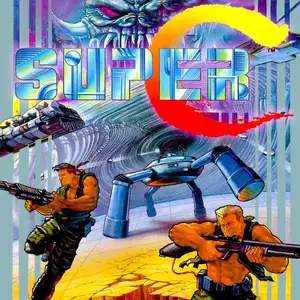
NESSuper Contra
 NES
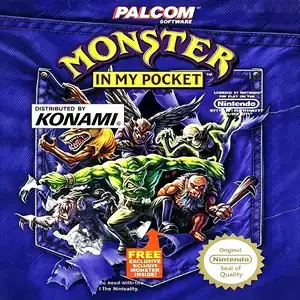
NESMonster in My Pocket
 JAVA
JAVASilent Hill
 NES
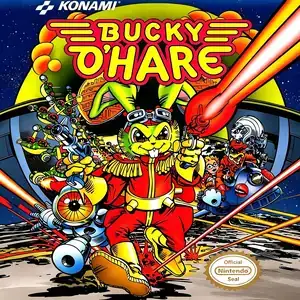
NESBucky O'Hare
 JAVA
JAVASilent Hill Mobile 3
 NDS
NDS