

Die Altersanforderung dieses Spiels wird geprüft…
Super Contra
Über dieses Spiel
Super Contra is a run-and-gun shooter developed by Konami. It was first released for arcades in 1988, then ported to Famicom / NES in 1990. The North American NES version is titled Super C, while the PAL European release was renamed Probotector II: Return of the Evil Forces. Picking up one year after the original Contra, commandos Bill Rizer and Lance Bean return to Garga Island to fight the revived Red Falcon alien army. The NES port features 8 stages, mixing classic side-scrolling levels with new top-down stages allowing 8-way shooting. Available weapons include Machinegun, Spread Shot, Flame Thrower and Laser. It supports local 2-player co-op, with denser enemy waves and higher difficulty than Contra 1. Famous cheat code: Right, Left, Up, Down, A, B at title screen grants 30 lives for Japanese version (10 lives for US Super C). It is one of the most iconic 8-bit retro games of all time.
- Erscheinungsjahr
- 1988
- Entwickler
- Spieler
- 2 Spieler
- Unterstützte Sprachen
- 简体中文 · 日本語
Häufige Fragen
- Wie kann ich Super Contra spielen?
- Du kannst Super Contra kostenlos und online direkt in deinem Browser auf 8BitGo spielen. Es ist kein Download oder Emulator nötig.
- Für welche Plattform ist Super Contra?
- 8BitGo ordnet diese Version als NES (Famicom) ein. Das beschreibt die Laufzeit auf dieser Website und kann von der ursprünglichen Veröffentlichungsplattform abweichen. Du kannst direkt im Browser spielen.
- Kann ich meinen Fortschritt in Super Contra speichern?
- Die Speicherfunktion hängt von der Laufzeit des Spiels ab. Schnell- und Cloud-Speichern sind nur verfügbar, wenn die Spielerleiste eine Speicherfunktion zeigt; andernfalls nutze die Speicherfunktion des Spiels.
- Funktioniert Super Contra auf dem Handy?
- Das hängt vom Spiel ab. Prüfe die Steuerung auf dieser Seite: Spiele mit Bildschirmtasten funktionieren per Touch, Spiele mit Tastatur und Maus am besten am Computer.
Steuerung
Das sind die Standardtasten. Klicke im Player auf das Gamepad-Symbol 🎮 und dann auf „Tasten belegen“, um die Tastenbelegung des Emulators zu öffnen (Tastatur und Gamepad, wird automatisch gespeichert). Gamepads werden automatisch erkannt. Auf dem Handy bekommst du Bildschirmtasten.
Steuerkreuz
W S A D
A
K
B
J
Start
Enter
Select
Shift
Schnellspeichern
F2
Schnellladen
F4
Das könnte dir auch gefallen
Gleiche Plattform, gleiches Genre oder vom selben Entwickler
Contra
 NES
NESTeenage Mutant Ninja Turtles III: The Manhattan Project
 NES
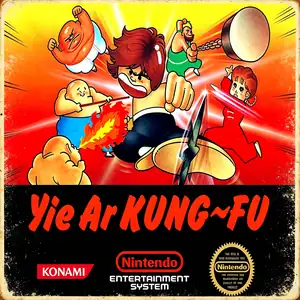
NESYie Ar Kung-Fu
 NES
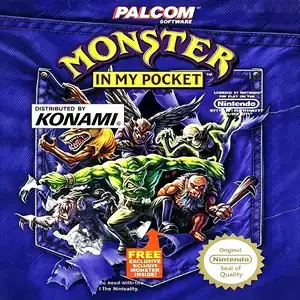
NESMonster in My Pocket
 JAVA
JAVASilent Hill
 NES
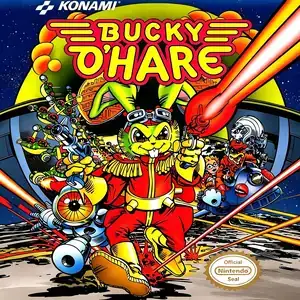
NESBucky O'Hare
 JAVA
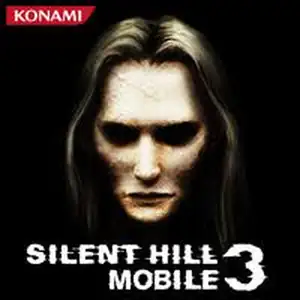
JAVASilent Hill Mobile 3
 NDS
NDS