
このゲームの年齢制限を確認しています…
Steppenwolf: The X-Creatures Project
ゲーム紹介
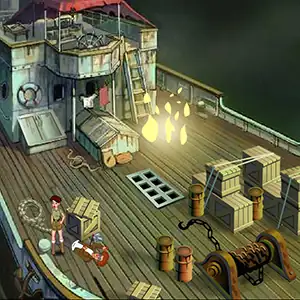
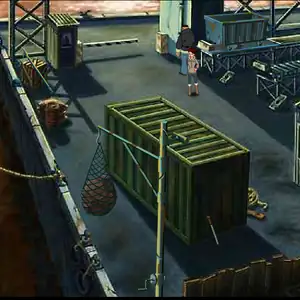
Steppenwolf: The X‑Creatures Project Episode 1, widely known in Chinese communities as *Warner Epic Adventure Episode 1*, is the opening chapter of a serialized Flash puzzle‑adventure series, co‑released by Sarbakan studio and Warner Bros in 2001. It became hugely popular across Chinese Flash game portals such as 4399. Set aboard an ocean‑going research vessel, Episode 1 follows journalist Meg Crimson. Her photographer companion is attacked and knocked unconscious. Players control Meg with keyboard inputs to explore decks and cabins, collect and combine inventory items, put out fires, mix emergency medicine, unlock machinery and rescue the injured photographer. The plot teases the shadowy “X‑Creatures Project”, a corporate conspiracy surrounding pre‑historic creature experiments. Instead of pure point‑and‑click controls, the game uses keyboard commands for movement, running and jumping. Players toggle items, trigger interactions and craft new combinations by dragging inventory objects. Mistakes can trigger instant death and restarts. As the prologue to the full 24‑episode saga, it establishes the series’ hand‑drawn art style, cinematic storytelling and puzzle‑focused gameplay. Originally an SWF Flash file, it can be played today via Flash emulators and remains a beloved classic of early‑2000s browser adventure gaming.
- 発売年
- 2001
- 開発会社
- プレイ人数
- 1 人用
- 対応言語
- English
よくある質問
- Steppenwolf: The X-Creatures Project はどうやって遊べますか?
- 8BitGo ならブラウザでそのまま無料オンラインプレイでき、ダウンロードやエミュレーターのインストールは不要です。
- Steppenwolf: The X-Creatures Project はどのプラットフォームのゲームですか?
- 8BitGo ではこのバージョンを Flash ブラウザゲーム として分類しています。これは当サイトでの実行方式を示すもので、元の発売プラットフォームとは異なる場合があります。ブラウザですぐ遊べます。
- Steppenwolf: The X-Creatures Project の進行状況は保存できますか?
- セーブ対応はゲームの実行方式によって異なります。プレイヤーのツールバーにセーブ操作が表示される場合のみ、クイックセーブやクラウドセーブを利用できます。それ以外はゲーム内の保存機能を使ってください。
- Steppenwolf: The X-Creatures Project はスマホでも遊べますか?
- ゲームによって異なります。このページの操作説明を確認してください。画面内ボタンがあるゲームはタッチ操作に対応し、キーボードとマウスが必要なゲームは PC 向けです。
操作方法
この種のゲームはキーボードがそのままゲームに渡ります。キー配置はゲーム自身が決めるもので、たいていはゲーム内のヘルプや設定にあります。 一部のゲームではスマートフォンで画面上にボタンが表示されます。
クイックセーブ
F2
クイックロード
F4
こちらもおすすめ
同じゲーム機・同じジャンル・同じ開発会社の作品
 FLASH
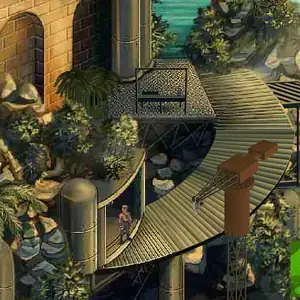
FLASHSteppenwolf The X-Creatures Project - Episode 24
 FLASH
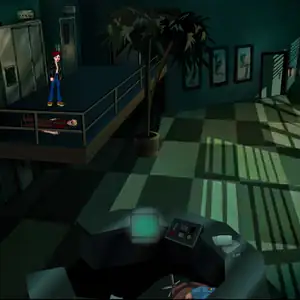
FLASHSteppenwolf The X-Creatures Project - Episode 9
 FLASH
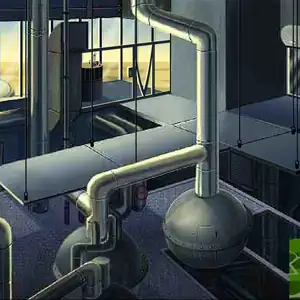
FLASHSteppenwolf The X-Creatures Project - Episode 21
 FLASH
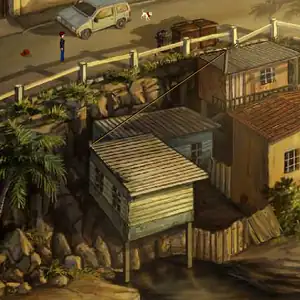
FLASHSteppenwolf The X-Creatures Project - Episode 19
 FLASH
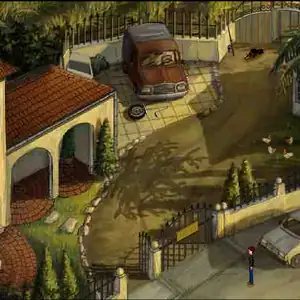
FLASHSteppenwolf The X-Creatures Project - Episode 18
 FLASH
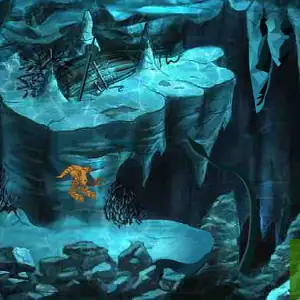
FLASHSteppenwolf The X-Creatures Project - Episode 16
 FLASH
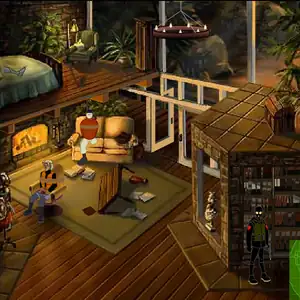
FLASHSteppenwolf The X-Creatures Project - Episode 14
 FLASH
FLASH