
Checking this game’s age requirement…
Steppenwolf: The X-Creatures Project 2
About this game
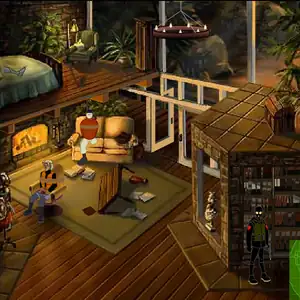
Steppenwolf: The X‑Creatures Project Episode 2 is the second chapter of Warner Bros and Sarbakan’s classic serialized Flash puzzle‑adventure series, widely circulated on Chinese flash‑game portals. Picking up after Episode 1, Meg Crimson wakes deep within the Congo jungle. Her photographer Derek has been captured by native tribesmen to be sacrificed to the prehistoric beast Mokele‑Mbembe. Meg crosses dangerous rainforest terrain and meets Alan “Steppenwolf” Kane. Together they evade tribal warriors and confront the ancient monster. Steppenwolf subdues the beast with tranquilizer agents while Meg rescues Derek, who secretly harvests creature DNA for the shadowy X‑Creatures Project. Retaining keyboard‑driven movement, inventory combining and instant‑death trap mechanics, it features cinematic hand‑drawn animation. The original SWF file can be run via flash emulators.
- Release year
- 2001
- Developer
- Players
- Single player
- Supported languages
- English
FAQ
- How can I play Steppenwolf: The X-Creatures Project 2?
- You can play Steppenwolf: The X-Creatures Project 2 online for free right in your browser on 8BitGo. No download or emulator installation is required.
- What platform is Steppenwolf: The X-Creatures Project 2?
- 8BitGo classifies this version as Flash Web Games. That describes how it runs here and may differ from the game's original release platform. You can play it directly in the browser.
- Can I save my progress in Steppenwolf: The X-Creatures Project 2?
- Save support depends on how this game runs. Quick saves and cloud saves are available only when the player toolbar shows a save control; otherwise use the game's own save feature.
- Does Steppenwolf: The X-Creatures Project 2 work on mobile?
- It depends on the game. Check the controls on this page: games with on-screen buttons work on touch devices, while keyboard-and-mouse games are best played on desktop.
Controls
These games get the keyboard directly — the controls are whatever the game itself defines, usually in its own help or options screen. Some games show on-screen buttons on phones.
Quick save
F2
Quick load
F4
You might also like
Same platform, same genre, or from the same developer
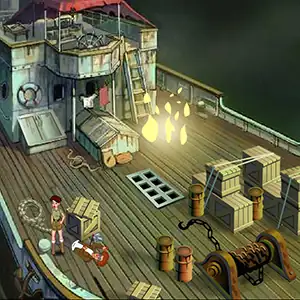 FLASH
FLASHSteppenwolf: The X-Creatures Project
 FLASH
FLASHSteppenwolf The X-Creatures Project - Episode 24
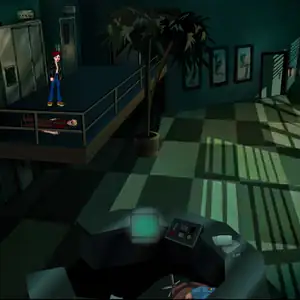 FLASH
FLASHSteppenwolf The X-Creatures Project - Episode 9
 FLASH
FLASHSteppenwolf The X-Creatures Project - Episode 21
 FLASH
FLASHSteppenwolf The X-Creatures Project - Episode 19
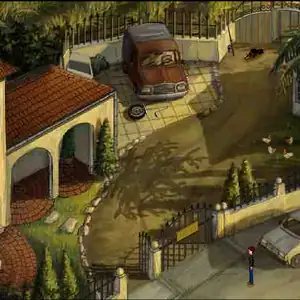 FLASH
FLASHSteppenwolf The X-Creatures Project - Episode 18
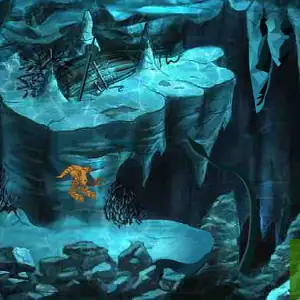 FLASH
FLASHSteppenwolf The X-Creatures Project - Episode 16
 FLASH
FLASH